
Download Protect Free VPN+Data Manager – Secure Internet Browsing, Data Monitoring, Free VPN Tool
Overview
Protect Free VPN+Data Manager is a desktop utility designed to enhance online privacy and manage internet data consumption. Developed by Onavo, the software offers a straightforward solution for users seeking a secure browsing experience across various network environments. It is intended for individuals who prioritize digital privacy and want to safeguard their online activities, particularly when using public Wi-Fi, cellular data, or personal networks.
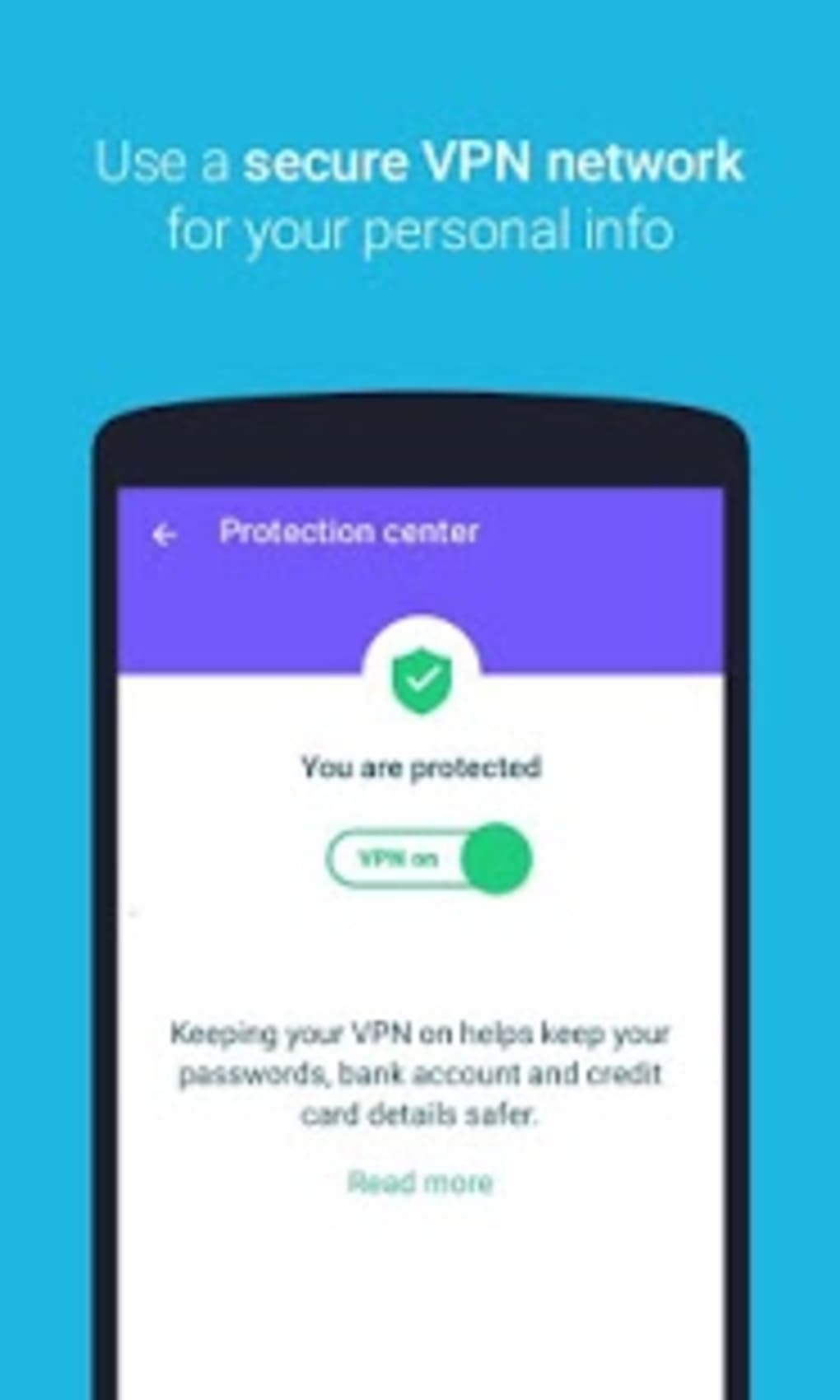
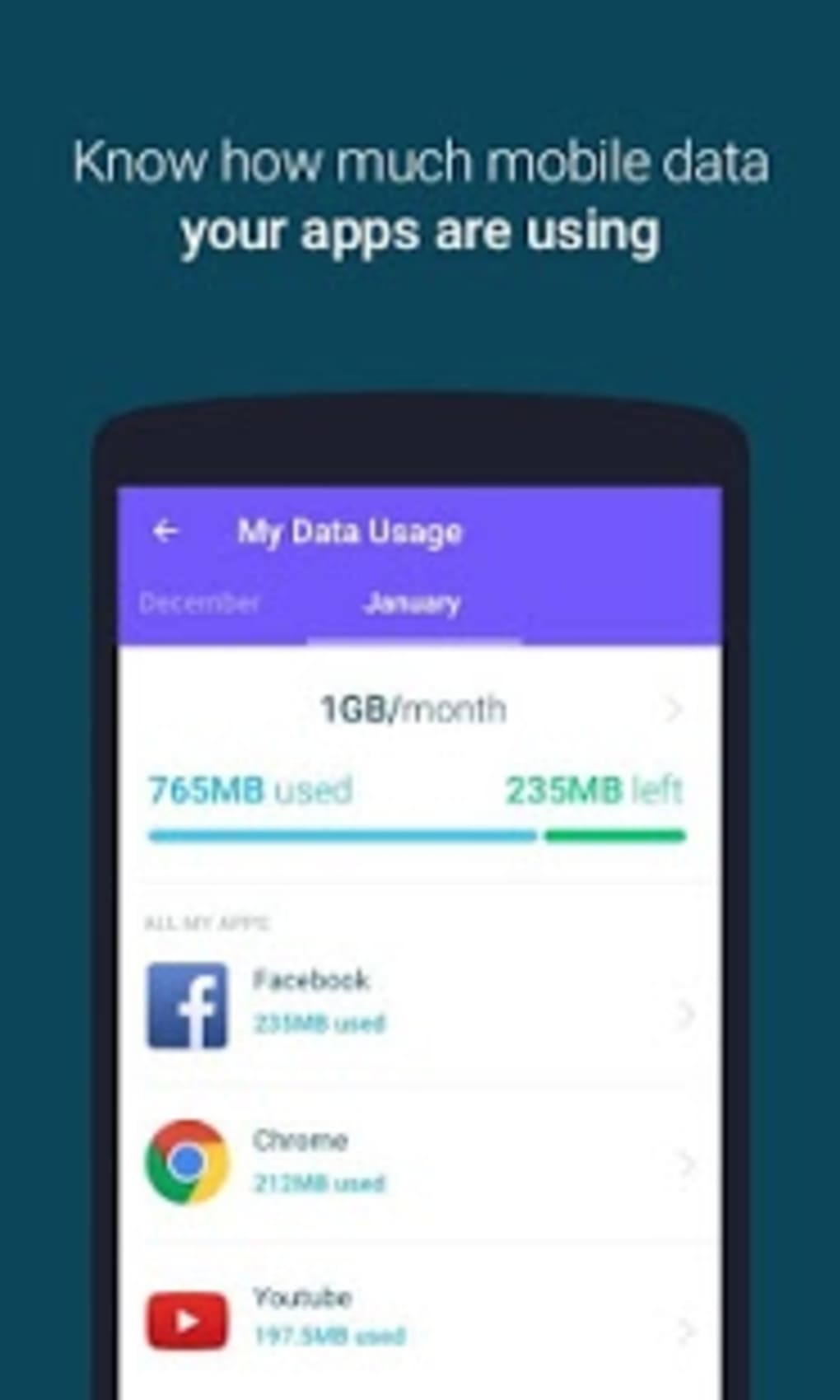
The application functions as a virtual private network (VPN) that encrypts internet traffic, helping users access geo-restricted content such as region-locked streaming services and international game servers. It also includes built-in data monitoring tools that track monthly usage and individual app consumption, even when applications are idle. This feature is especially beneficial for users on limited data plans who want to avoid unexpected overages.
The software is positioned as a user-friendly tool for non-technical users who desire a simple, automated way to secure their connection without navigating complex settings. While the developer did not provide additional system requirements, the application is designed to operate with minimal user intervention, making it suitable for casual users and those new to privacy tools. Real-world usage scenarios include securing data on public hotspots, monitoring background data usage, and maintaining privacy during online activities.
Key Features & Capabilities
- Automatic VPN Connection – The software establishes a secure connection with a pre-selected server upon activation, eliminating the need for manual server selection. This simplifies the user experience for those unfamiliar with VPN configurations.
- Real-Time Data Monitoring – Users can track monthly data consumption and view detailed breakdowns by individual applications, including background usage. This helps identify data-heavy apps and optimize usage patterns.
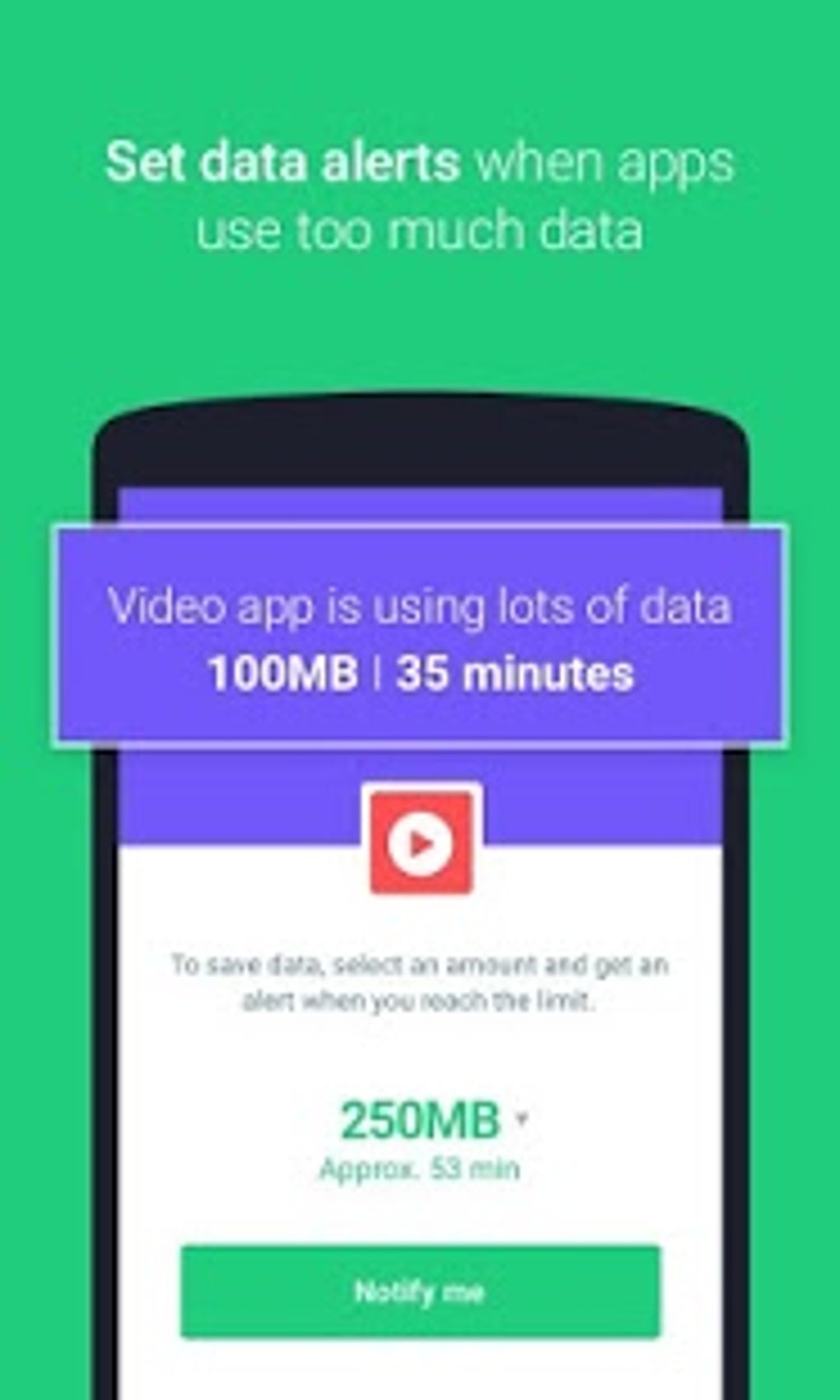
- App-Level Data Limits – The tool allows users to set restrictions on specific applications to prevent excessive data usage, ensuring data is reserved for essential tasks.
- Usage Notifications – Custom alerts can be configured to notify users when data usage reaches a specified threshold or when an app exceeds its allocated limit.
- Network Security Protection – The application blocks connections to unsecured networks, reducing the risk of exposure to potential threats such as data interception or man-in-the-middle attacks.
- Geo-Restriction Bypass – By routing traffic through remote servers, the software enables access to region-locked content, including streaming platforms and international online services.
Practical Usage Examples
For instance, a traveler using a café’s public Wi-Fi can rely on the software to encrypt their connection and prevent unauthorized access to sensitive information. A student on a limited data plan can monitor app usage and block background data from social media or streaming apps. A gamer can use the tool to access international servers for lower latency and improved gameplay. The automated connection feature ensures consistent protection without requiring repeated setup.
User Interface, Workflow & Performance
The user interface is designed with simplicity in mind, featuring a clean layout that prioritizes accessibility for non-technical users. Navigation is streamlined, with a central dashboard displaying key metrics such as connection status, data usage, and active protections. The primary action—connecting to the VPN—requires only a single click, minimizing friction in the workflow.
The software does not provide detailed performance data, but general behavior suggests it operates efficiently in background mode with minimal impact on system resources. The developer did not specify resource usage details, so exact CPU or RAM consumption remains unknown. Stability is implied through consistent functionality across sessions, though real-world performance observations are based on general software behavior patterns.
The application maintains a reliable connection without frequent disconnections, supporting uninterrupted browsing. No reported issues with crashes or freezes were mentioned in the provided information. The workflow is optimized for ease of use, making it ideal for users who prefer a hands-off approach to digital security.
Compatibility & System Requirements
Protect Free VPN+Data Manager is compatible with Windows and Mac operating systems, though specific version numbers were not provided. The installation size is not specified, and the developer did not list exact system requirements. Compatibility information was partially provided, leaving some aspects of hardware and OS support unclear.
The software is designed to function on standard desktop environments, but users are advised to verify their system’s compatibility with the latest version. The developer did not specify whether the software supports older operating system versions or alternative platforms. For users seeking detailed technical specifications, additional documentation from the developer is recommended.
The absence of detailed system requirements means that performance may vary depending on individual configurations.
Pros and Cons
Pros
- Simple, one-click connection for immediate security
- Real-time data usage tracking across all applications
- Automatic protection against unsecured networks
- Effective for bypassing geo-restrictions on streaming and gaming platforms
- Minimal user input required—ideal for beginners
- Free to download and use with no hidden costs
Cons
- Limited server selection; no manual server choice available
- Exact system requirements not disclosed
- Performance and resource usage details were not specified
- May not offer advanced customization options for experienced users
- Lack of detailed update history or changelog
FAQ Section
Is Protect Free VPN+Data Manager compatible with Windows and Mac?
The software is designed for Windows and Mac, but specific version compatibility was not provided by the developer.
Is the software secure to use?
Yes, the application includes built-in security features that block unsecured network connections and encrypt internet traffic, helping to protect user data.
Can I choose which server to connect to?
No, the software automatically connects to a pre-selected server. Users cannot manually choose from a list of available servers.
Does the app work offline?
The application requires an active internet connection to function. It cannot operate without a network.
Is there a free version available?
Yes, Protect Free VPN+Data Manager is available for free download. No subscription or payment is required for basic functionality.
Final Thoughts + CTA
Protect Free VPN+Data Manager stands out as a reliable, no-frills solution for users seeking a simple way to enhance online privacy and monitor data usage. Its automated connection process, real-time data tracking, and network security features make it a solid choice for casual users and those new to digital protection tools. While it lacks advanced customization and server selection, its ease of use and consistent performance compensate for these limitations.
The software is particularly effective for individuals on limited data plans or those frequently using public Wi-Fi. With its free access and straightforward design, it delivers strong value for everyday users. For anyone looking to secure their internet connection without technical complexity, this tool offers a practical and efficient option.
Download Protect Free VPN+Data Manager now.





.png)

